A Report button on every profile, plus favorites and a studio filter
Profiles here are built from studio scene credits, and that's where they go wrong: a photo of somebody else, two namesakes merged into one page, a scene credited to a woman who isn't in it. Until now the only way to tell us was an email address tucked away on the About or DMCA page. Every performer page now has a Report button next to Save, with eight kinds of problem to pick from, a details box and an optional email. September also brought a favorites list that needs no account and lives in your browser, with a public Saved by count once a performer reaches 10 saves, and a Studio block in the catalog sidebar that covered 571 studios when it launched.
September added three things to the performer side of the site: a Report button on every performer page, a favorites list, and a studio filter in the catalog. Report is the one we care about most, since it's about getting the profiles right, so it goes first.
Report: tell us what we got wrong
A profile on this site is assembled from studio scene credits, and that's where the errors sit: a photo of somebody else, two namesakes merged into one page (or one performer split across two), a scene credited to a woman who isn't in it. Until now the only way to flag any of that, for readers and for performers and their agents alike, was to dig an email address out of our About or DMCA page.
The button sits next to Save at the top of the profile. Click it and a short form opens. The first field asks what's wrong, with eight choices:
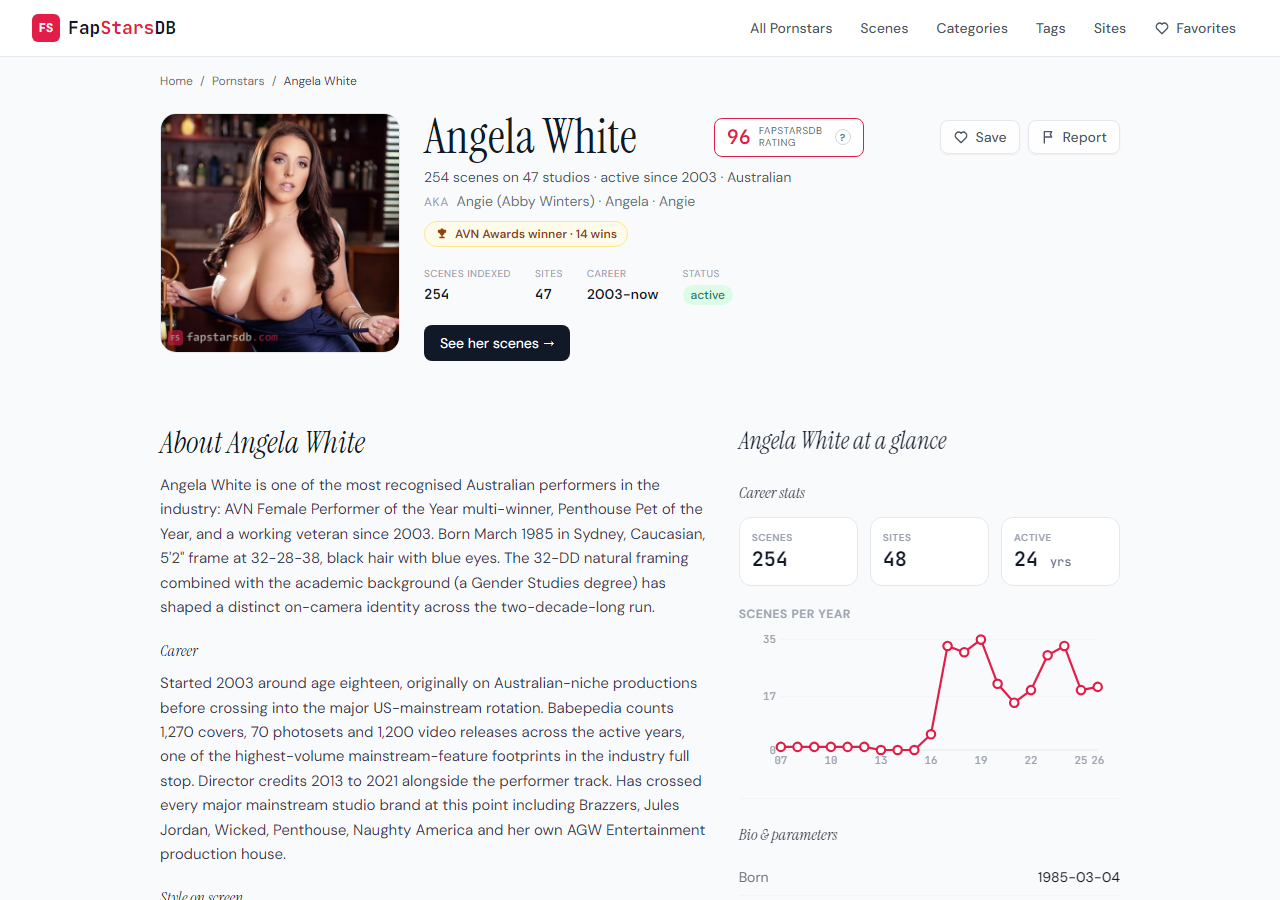
- the photo shows someone else
- bio facts are wrong
- a scene is credited to the wrong performer
- scenes or sites are missing
- the same performer has another profile here
- I am this performer: change or remove
- a link is broken or goes somewhere else
- something else
Then a box for details and an email field, which is optional. Each choice prompts for the detail we'd need. For a wrong scene credit it asks which scene on which site, and who is in it; for a duplicate, a link to the other profile. If you're the performer asking for a change or removal, leave the email, since that's how we confirm it's really you.
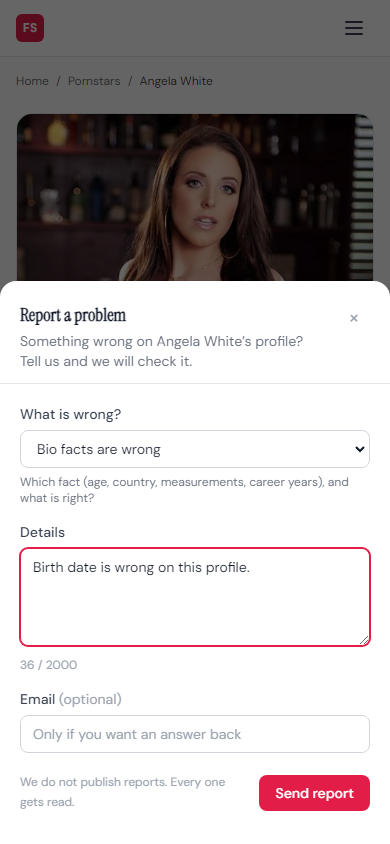
There's a cap on how many reports one visitor can send in a short stretch, plus a trap for bots, so a script can't bury the real ones. The same button went up on our two sister databases, TransFapDB and GayStarsDB, on the same day.
Favorites, without an account
Every performer card in the lists now carries a heart, and the profile header has a Save button that flips to Saved. Everything you save lands on /favorites/ as a grid. Tap the heart again to drop one, or use Clear all to empty the list. The Favorites link in the menu shows how many you've got.
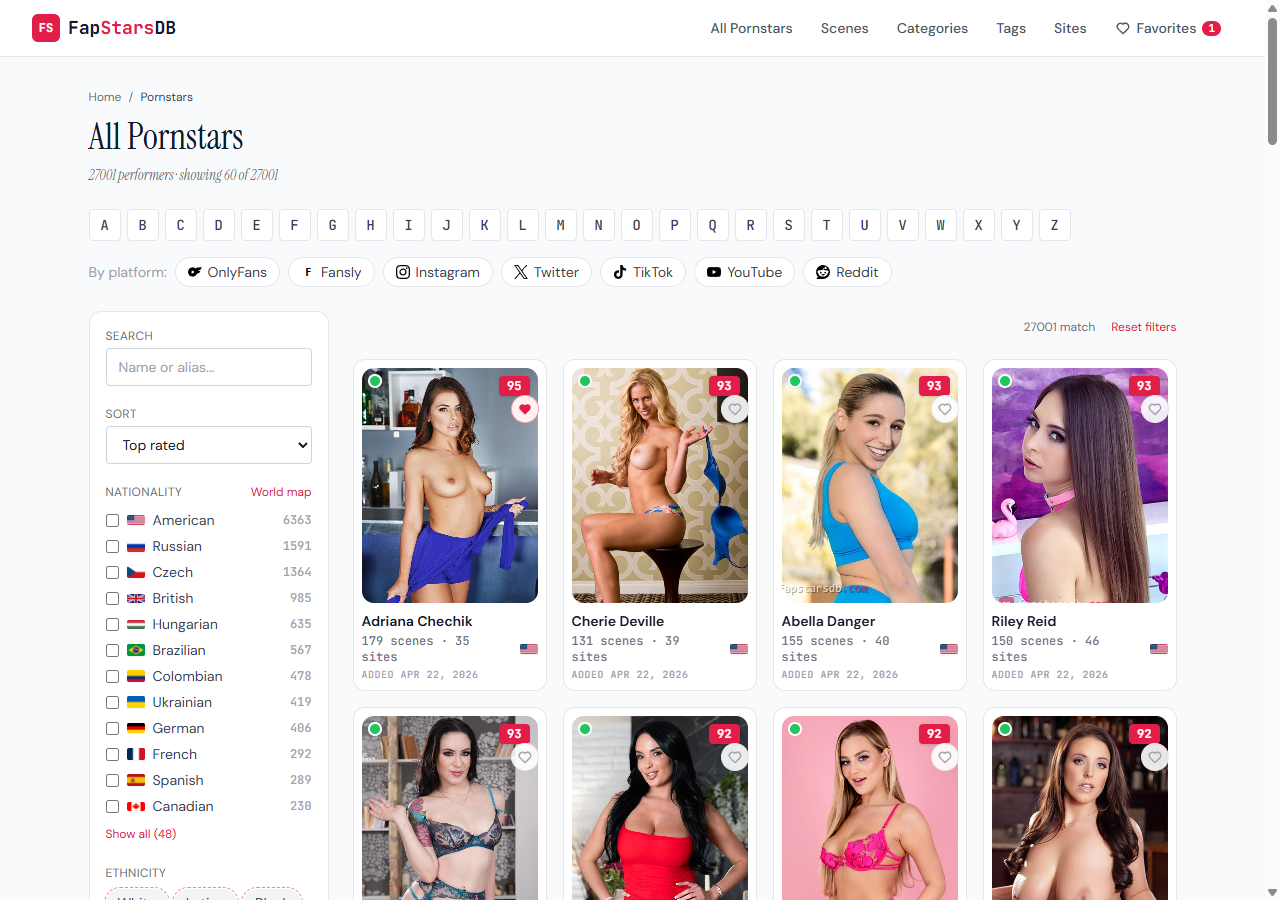
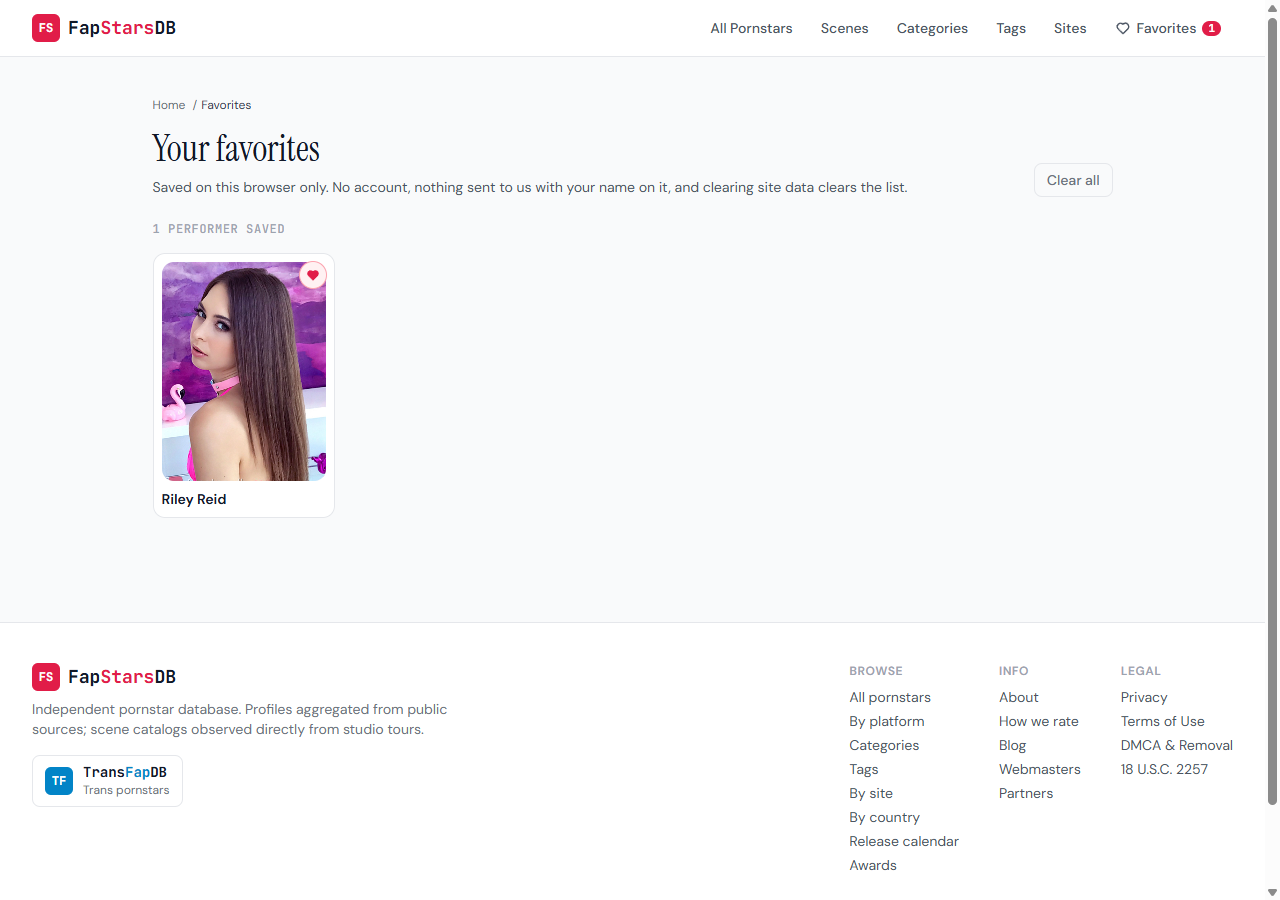
There's no sign-up. Accounts on an adult site would mean storing passwords and personal details and then guarding them, and we'd rather not hold either. So the list lives in the browser you saved it in. Open the site on your phone and your laptop list isn't there, and clearing browser data wipes it.
Saves also feed a public number. Once a performer has been saved at least 10 times, her page shows a Saved by count. It's recounted once a day, and one visitor adds one per day no matter how many times they click the heart. Below 10 the number stays hidden, because a page reading "3 saves" tells you nothing except that the site looks empty.
Filter performers by studio
You could already narrow the catalog by ethnicity, hair, body, age and nationality in the filter sidebar. You couldn't ask for the one thing most people choose porn by, which is the studio. Now the sidebar has a Studio block on /pornstars/, on the letter pages, on category and tag pages, and on the lists by social platform.
Every studio in it carries the number of performers it has on the page you're looking at. A search box narrows the list by name, which you'll want: at launch on September 18 it covered 571 studios across 28,808 performers. You can tick several. A performer shows up if she has shot for at least one of them, so ticking Brazzers and Reality Kings shows everyone who has worked for either one. Picked studios appear as chips above the grid, and Reset clears them.
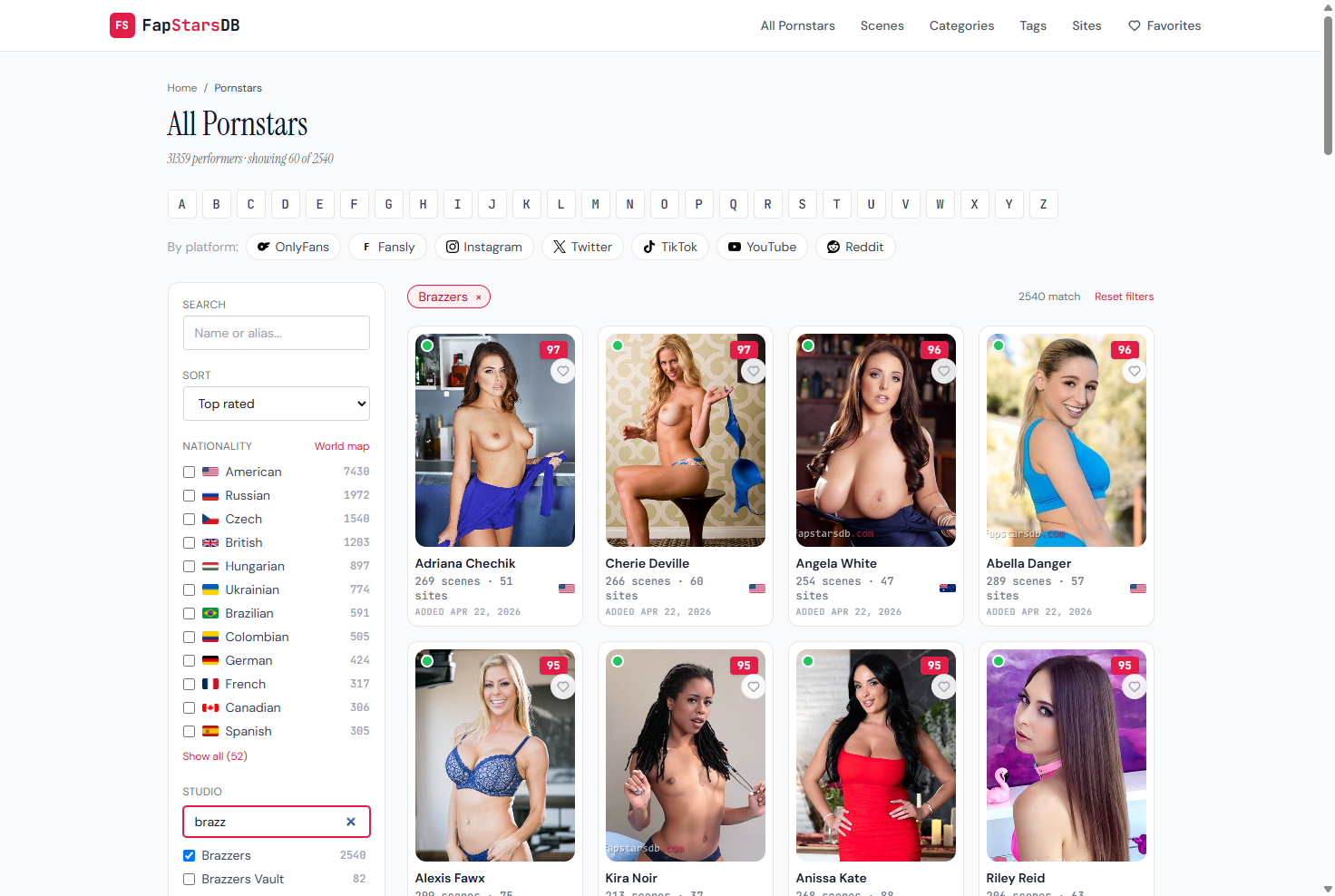
The studios in the list are the same ones the Where to watch block shows on each profile, plus the network they belong to. Tick Brazzers and you also get the performers whose profiles list only individual Brazzers sites and never the network itself. Once you've found her, the filmography filter on her page does the same job one level down, scene by scene.
Still open
The Saved by count is an estimate. It adds up unique visitors day by day, and we can't tell whether Monday's visitor and Friday's are the same person. For Report we'll be counting how many reports come in and how many profiles get fixed because of them.