Testing two changes to the performer blocks on every site page
On a site page the featured strip used to fire whenever there were more than five performers, regardless of whether any of them really had more scenes than the rest. And the cards never hinted whether a performer is a studio's regular or just a one-shoot drop-in. We are testing two changes side by side at /site/younger-mommy/: a smarter rule that only shows the featured block when there is real distribution, and a small piece of catalog context on every card.
Two changes we are testing right now on the site pages (the /sites/ entries, like a studio's profile here on FSDB), without shipping them to production yet. The test lives at a parallel URL with a -test suffix while we look at the result side by side; the current production page is untouched. The first change is a smarter rule for when the featured-performers strip even appears, and the second is a tiny piece of catalog context next to every performer's scene count.
The current state, and why we looked at it
Every site page on FSDB ends with two performer blocks back to back. Top performers (by scene count) at the top, five square cards with photos, then All performers (N) below, the same list as round-avatar rows. The featured block fires whenever the site has more than five performers indexed. The sort is the same in both: scenes on this site, descending. So the top five are also literally the first five rows of the list below.
That part is fine on its own. The pattern of "highlight + catalog" exists on every big media site, from IMDb's Top Billed Cast over Full Cast to Wikipedia's Notable members over Full roster. The eye reads the highlight, the list takes care of the long tail. We are not removing it.
What we wanted to fix were two things that the current rule cannot express.

Problem 1: featured five on a flat distribution
The fixed length > 5 rule fires even when every performer on a site has the same scene count. Imagine a site with twelve performers, all with one scene each. The featured block then renders five of those twelve, by alphabetical drift, with no signal value. There is no "top" to speak of. The site page wastes a hero-sized block on a non-distinction.
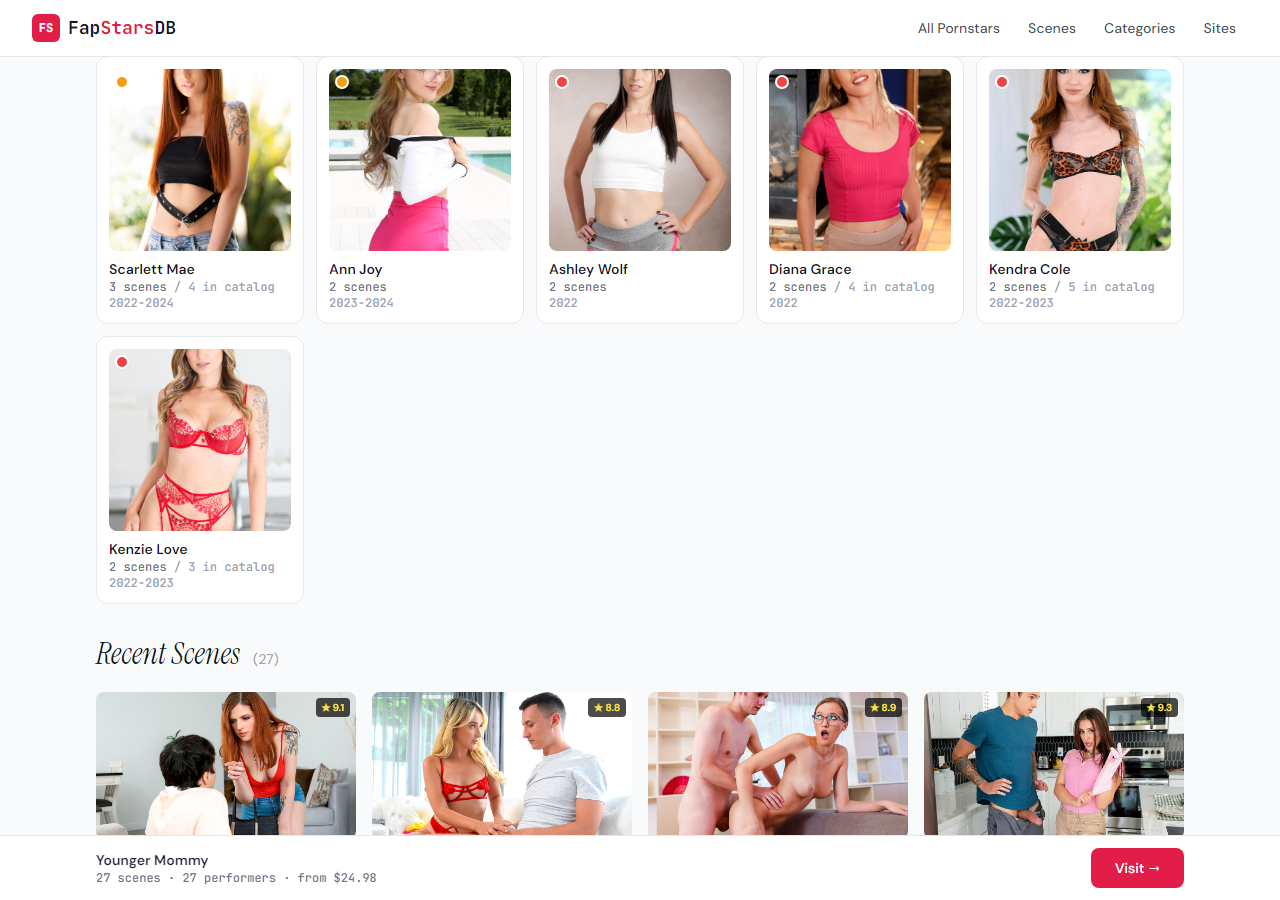
On Younger Mommy, where the test is currently live as /site/younger-mommy/, the distribution is [3, 2, 2, 2, 2, 2, 1, 1, ... 1] across 27 performers. So there is a top, but it is six performers with a real lead over the long tail of ones, not the fixed five.
The replacement rule is straightforward: compute the median of scenes_on_site across all performers on the page; set threshold = max(2, median * 2); render the block only when at least three performers cross that threshold. Cap the visual at eight cards.
On Younger Mommy this gives median = 1, threshold = 2, six performers above, block renders six cards. On a flat-1 site, threshold is two, zero performers above, block does not render at all. On a 200-performer studio with a real long tail of recurring leads, the block can comfortably fill eight cards and skip the lottery.
The header copy changed in step. "Top performers (by scene count)" became "Most active on {site}" with a small parenthetical count. We dropped "by scene count" because the cards already show the number; we picked "most active" over "top" because the cards are not ranked by overall FapStars score, just by activity on this specific site.
Problem 2: the scene count says nothing about who the performer is
The cards used to show X scenes and a year range. That is correct for the site page (you want to know who works the most on this specific studio), but it flattens two very different performers into the same row. A studio's regular with 17 scenes across our catalog reads completely differently from someone with a single shoot anywhere in our data.
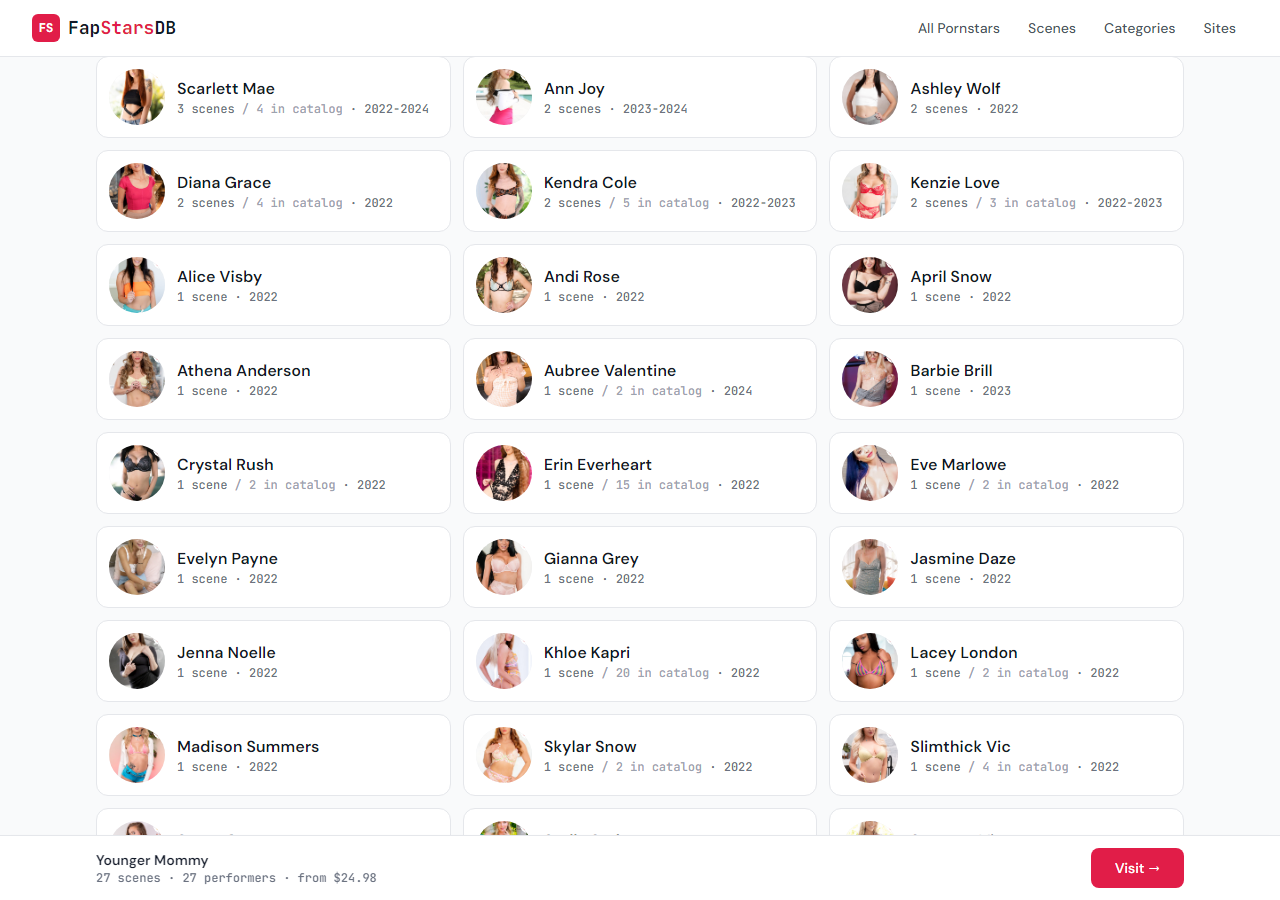
The fix is one tiny piece of secondary text. If a performer has more scenes elsewhere in our catalog, the card now shows 3 scenes / 17 total instead of just 3 scenes. The second number is her total scene count across every studio we have indexed; the slash reads as "of," so visitors can parse it without a label. If the performer is only on this site, the card stays single-line, no clutter for the local-only case. Both the featured cards and the round-avatar list share this treatment.
What the test does not change
Everything else on the site page stays put: the hero stats, the affiliate CTA, the Recent Scenes grid, the tag distribution, and the editorial intro from the overlay. The two changes touch one template and one renderer, both isolated to site_v2.html.j2 and a side-by-side script. Production site.html.j2 is unchanged while we look.
Related work on the performer side, where the same kind of duplication problem hit us a couple of weeks ago, lives in an earlier note on the folded filmography section. That one already shipped to every /pornstars/ profile. Site pages were the next layer.
What we are watching before flipping the prod template
Two things. First, whether the dynamic count on the featured strip causes any layout awkwardness on intermediate breakpoints when it lands on something like four or seven cards (five is a clean 2x3 sort of compromise on mobile, seven less so). Second, whether the secondary number reads as helpful or as visual noise on rows that already show a date range. If both feel right, the change moves into the main template and rolls out to all site pages on the next build.